
Installing the EMS Desktop Client
1. Click here to download the installation files.
Two files will be downloaded:
EMSApplication.exe - This file installs EMS
emswebdeployconfiguration.cfg - This file is accessed by EMS to pull in the server address.
If you get a message similar to below asking if you want to download an "unsupported" file, choose to do so. The exact message and procedure may vary according to your browser.
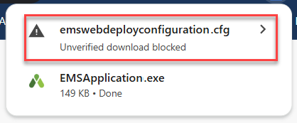
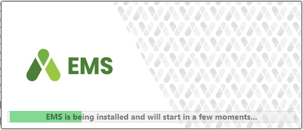
2. Once downloaded, click the EMSApplication.exe file to begin installation.
3. If you are presented with the message below, copy and paste the URL from this web page into the text box.
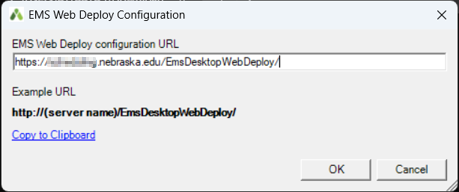
Click OK
4. A shortcut icon to the EMS client should now be on your Desktop. Double click the icon to launch EMS.